User Guide
Welcome to the User Guide. This section will help new users get started with the Stakeholder Agent System, covering key features, navigation, and common tasks.
Don’t Worry, The Stakeholder Agent interface is designed to be intuitive for anyone who’s used any AI agent or chat interface before.
Step-by-Step Instructions
Step 1:
Navigate to steakholderagent.org
Step 2:
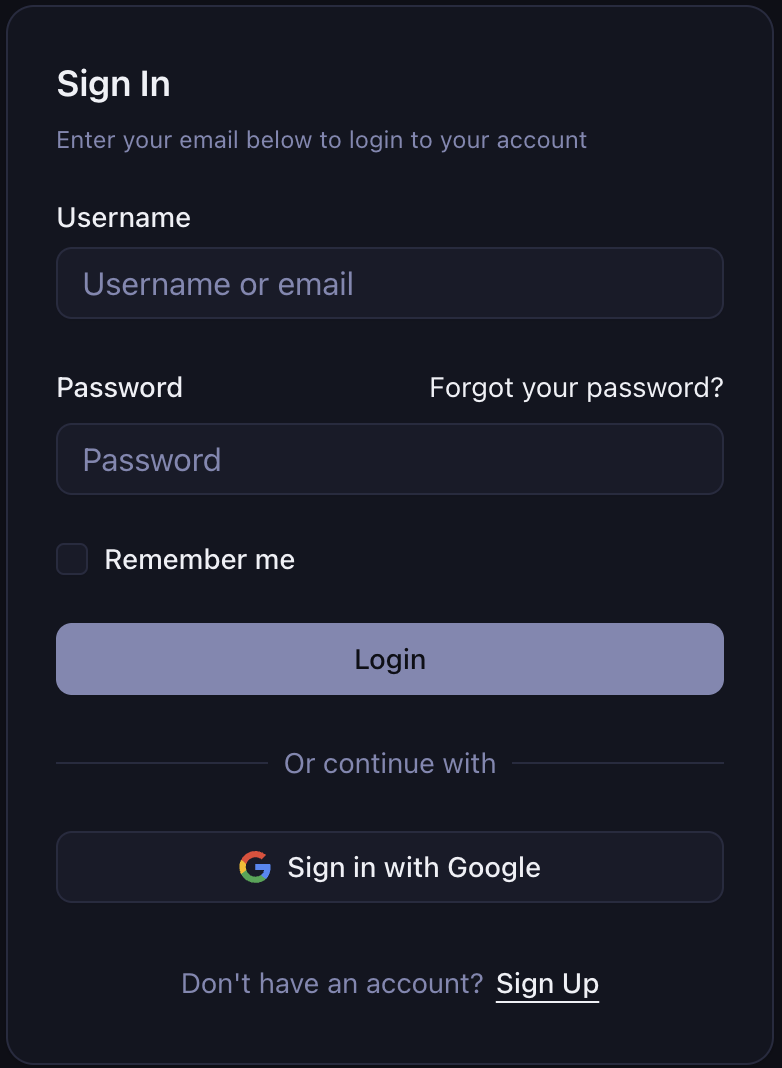
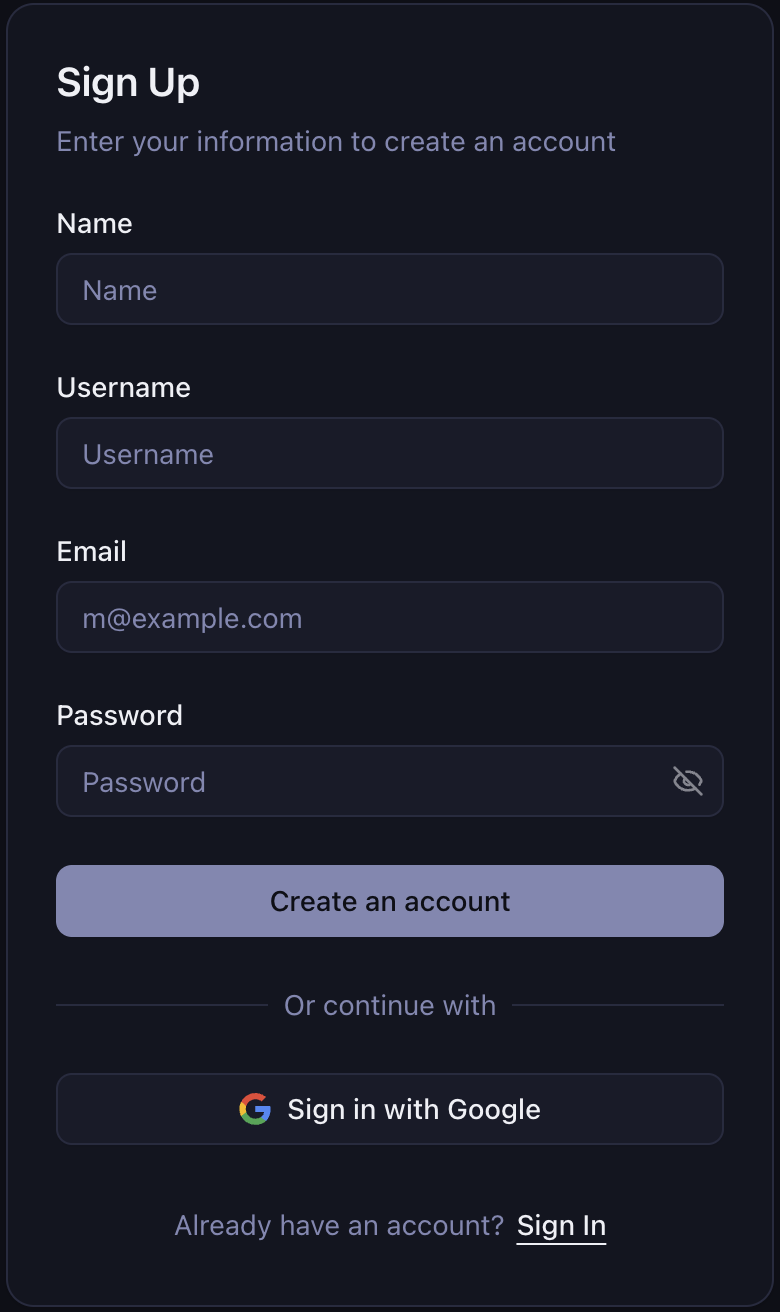
Sign in with Google or create an account.
Step 3:
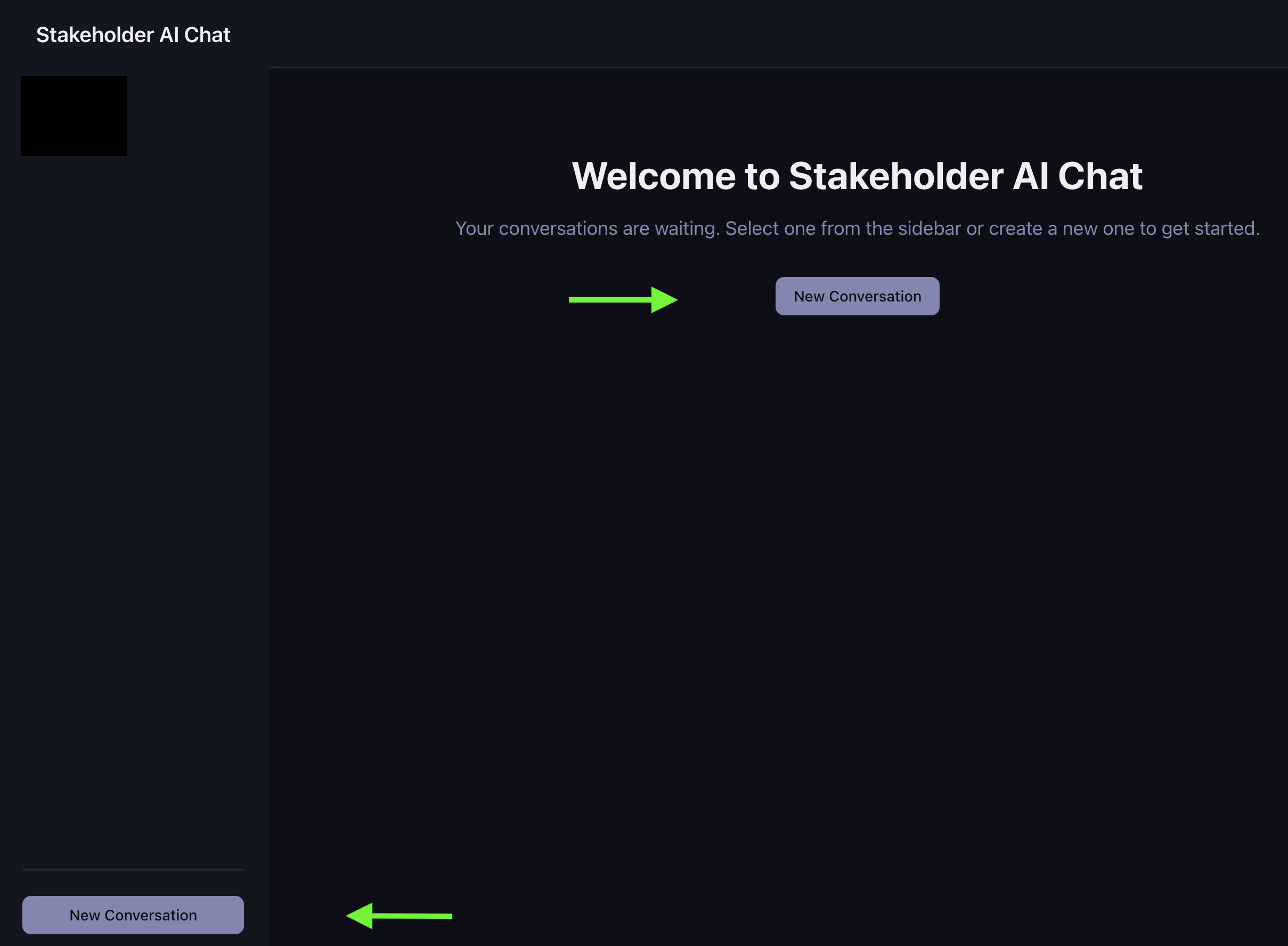
Start a new chat session, with either the persistent button at the bottom of the lefthand column, or the dedicated one in the main message viewer which is only visible when there is not a previous conversation.
Step 4:
Start chatting with the agent! Owen is created to behave as the owner of Golden Bikes, a bike rental company located in Golden, CO. He is designed to practice requirement elicitation for a software project. So ask away, and refine your technique!
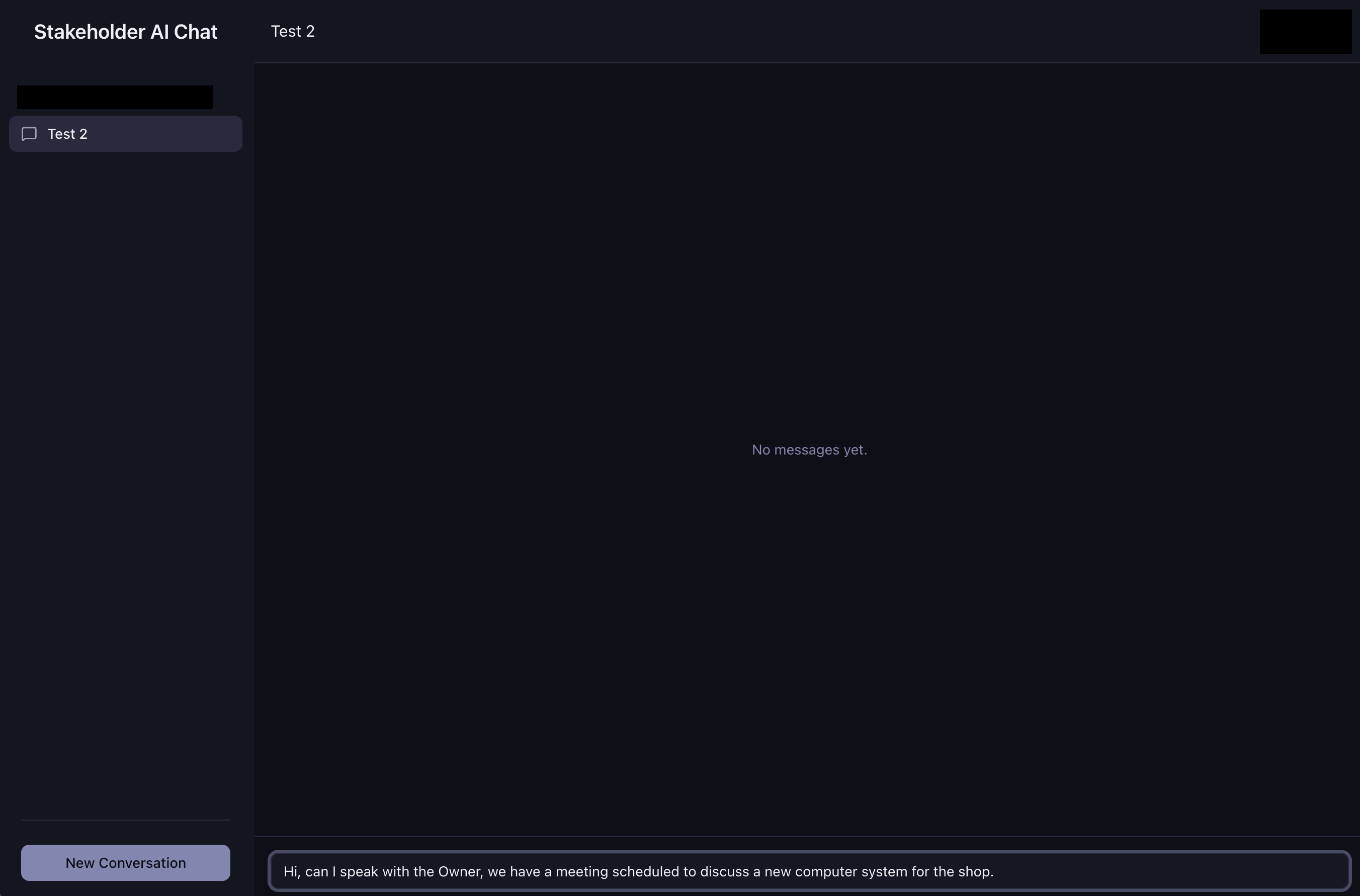
As you chat, you can follow up on information that he has shared to dive deeper, start a new related topic, or try to get owen back on track if he strays off course.
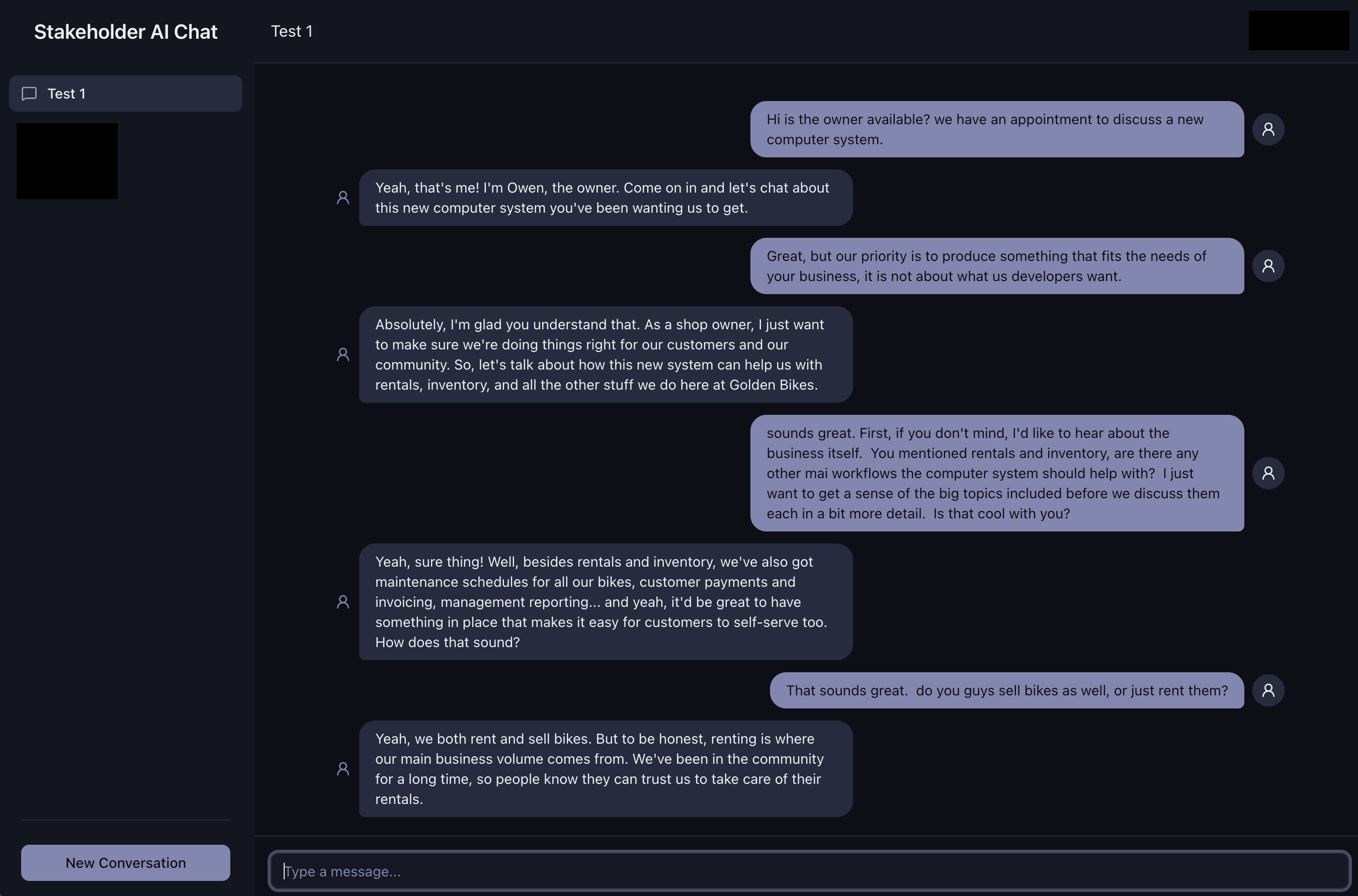
When you are finished (for now):
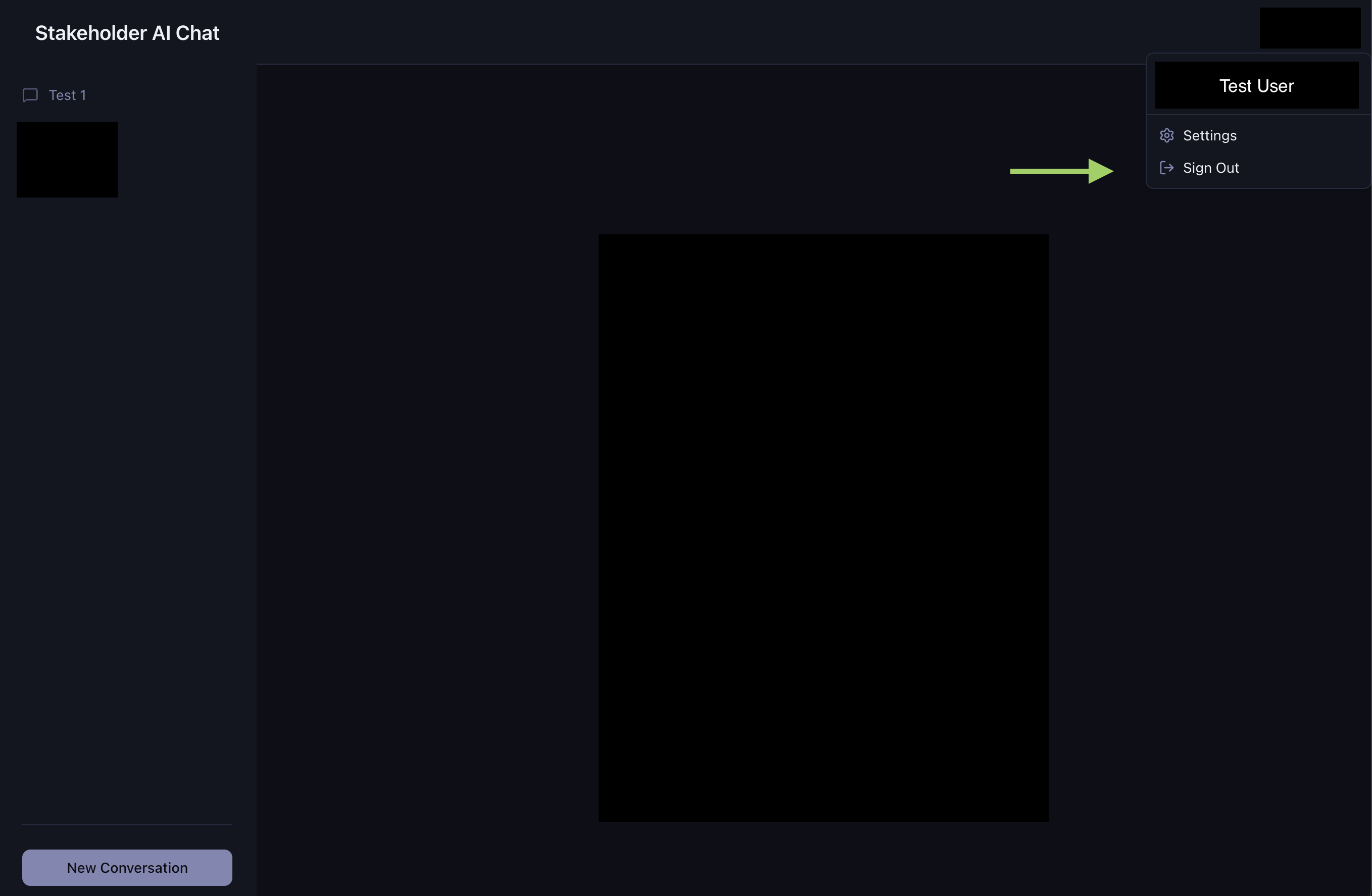
You can sign out from your account in the upper right, or simply leave the page, and when you sign back in later, you can continue existing conversations or start a new one!